Help & supportAlerts
Alerts
With sisma+, sisma sends a push notification when an earthquake matches one of your alerts.
- Sign in and make sure you have sisma+.
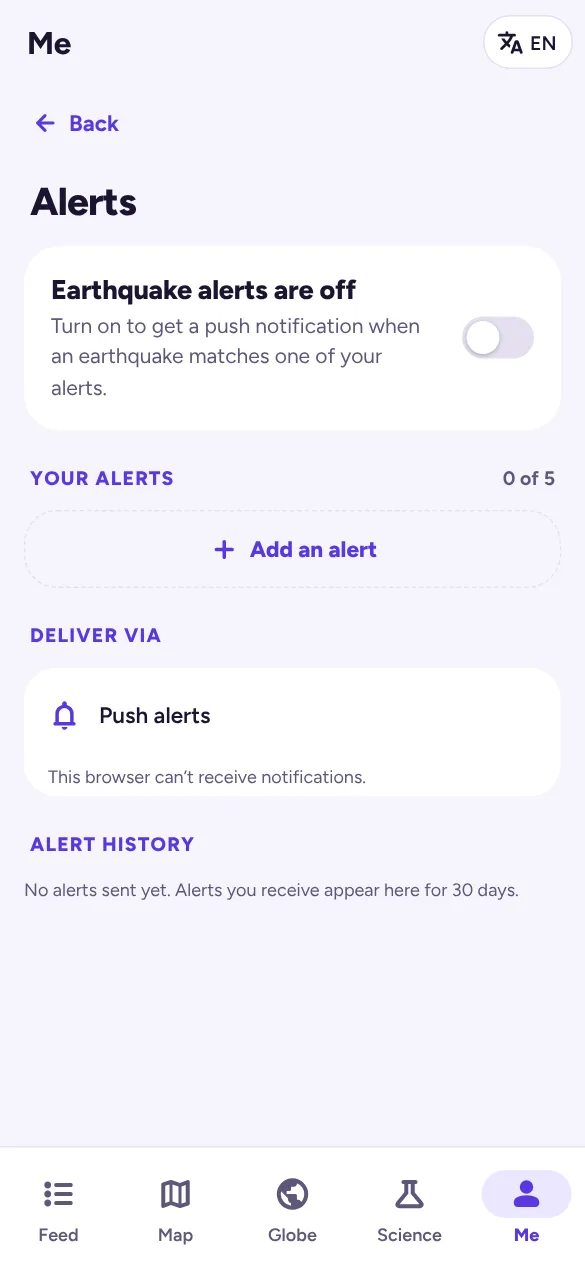
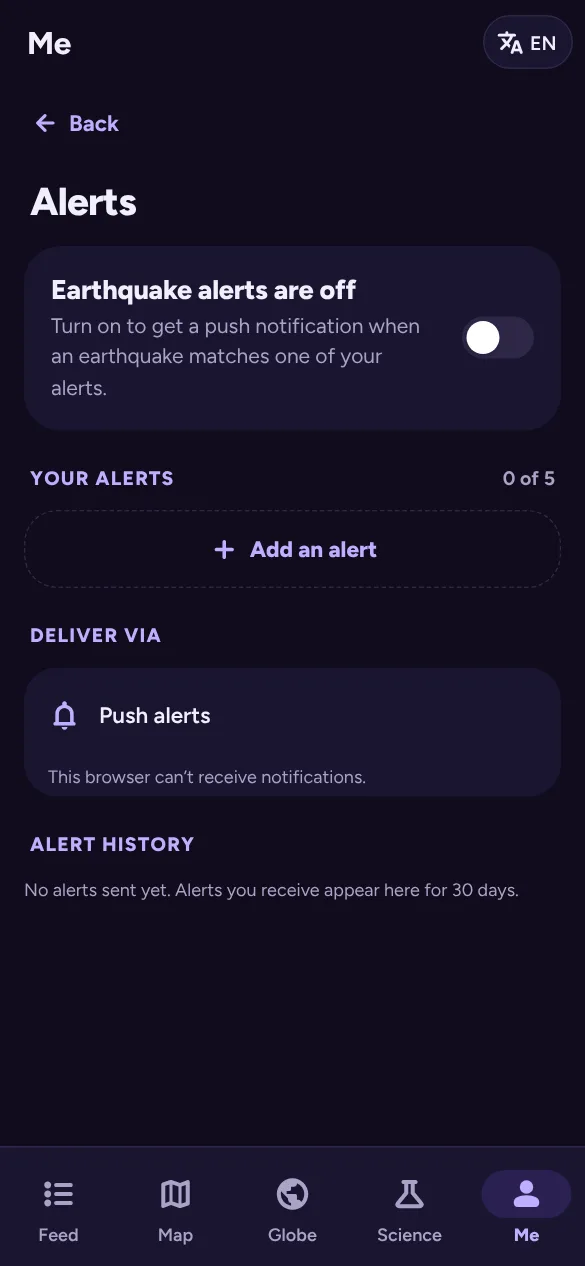
- In Me, turn on Push alerts, or open Alert rules and turn on Earthquake alerts.
- Under Deliver via, tap Turn on notifications on this device and allow notifications when asked.
- Tap Add an alert and set it up (below). You can have up to 5.
- Tap Send a test alert to check this device receives them.
Setting up an alert
- Name: for example Near home.
- Minimum magnitude: you get alerts for this magnitude and anything stronger.
- Watching: your saved places within a distance you choose (100, 250, 500 or 1,000 km), or anywhere in the world.
- Other locations: up to 20 countries or regions, anywhere inside them.
- Quiet hours: no alerts overnight, with the option to still let strong earthquakes (magnitude 6 or more) through.
- A chart shows how many earthquakes in the last 30 days would have triggered the alert, so you can tune it.
Alerts you received in the last 30 days are listed under Alert history.
iPhone and iPad: web notifications only work after you add sisma to the Home Screen (Share → Add to Home Screen) and open it from there.