Help & supportsisma+
sisma+
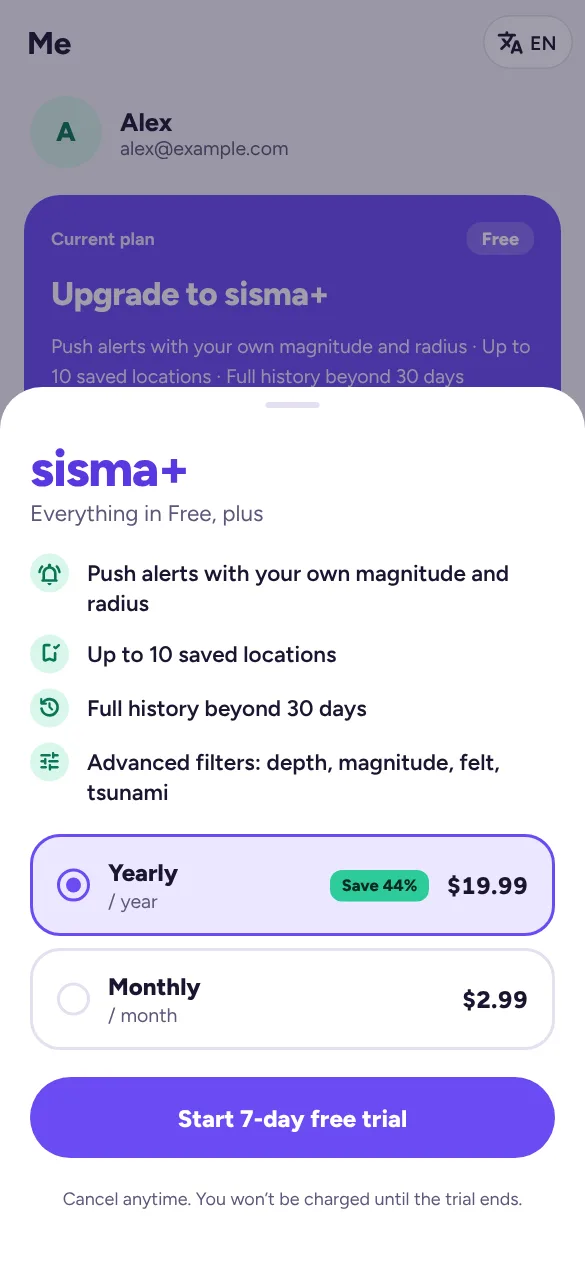
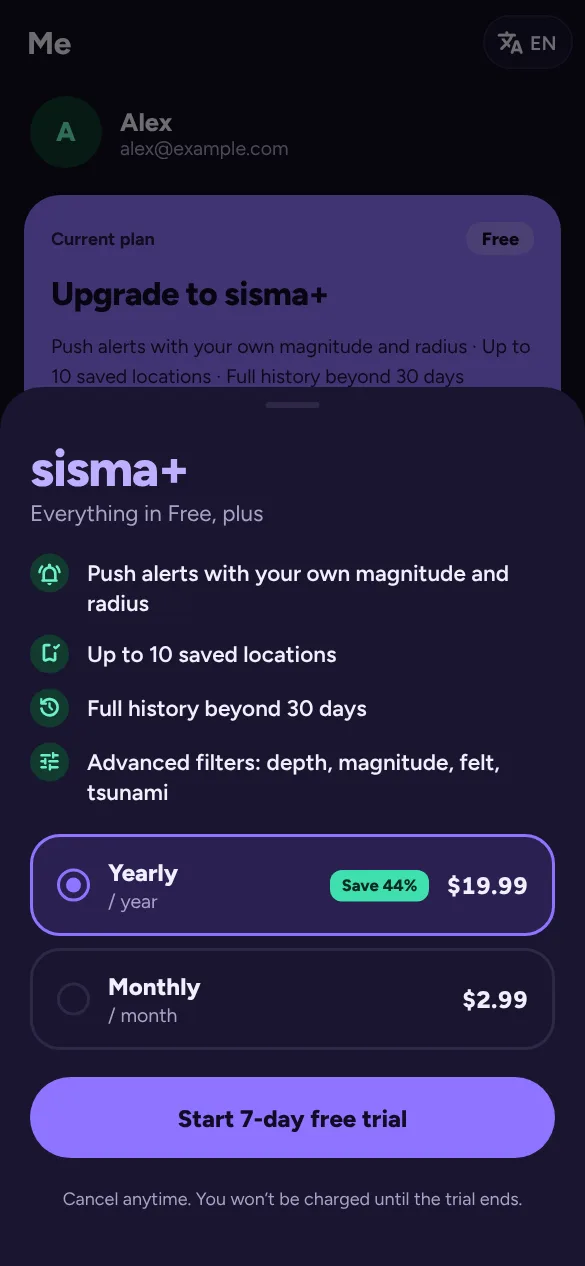
sisma is free to use. sisma+ adds:
| Feature | Free | sisma+ |
|---|---|---|
| Live feed, map, globe, science | ✓ | ✓ |
| Earthquake history | 30 days | Full history |
| Saved locations | 1 | Up to 10 |
| Push alerts with your own rules | – | Up to 5 alerts |
| Magnitude and region filters | – | ✓ |
Prices: US$2.99 a month or US$19.99 a year. Google Play shows the price in your local currency. New subscribers get a 7-day free trial, once per account.
Subscribe
- On the website: Me → Start 7-day free trial (or Subscribe), choose yearly or monthly, then pay on Stripe’s secure checkout page. When you come back, sisma shows Activating sisma+… for a few seconds, then Welcome to sisma+.
- In the Android app: the same button opens Google Play’s payment sheet, where you can pay with Google Pay, a card or other Google Play payment methods.
You need to be signed in. Your subscription then works everywhere you sign in to that account, on the web and in the app.
Manage or switch plans
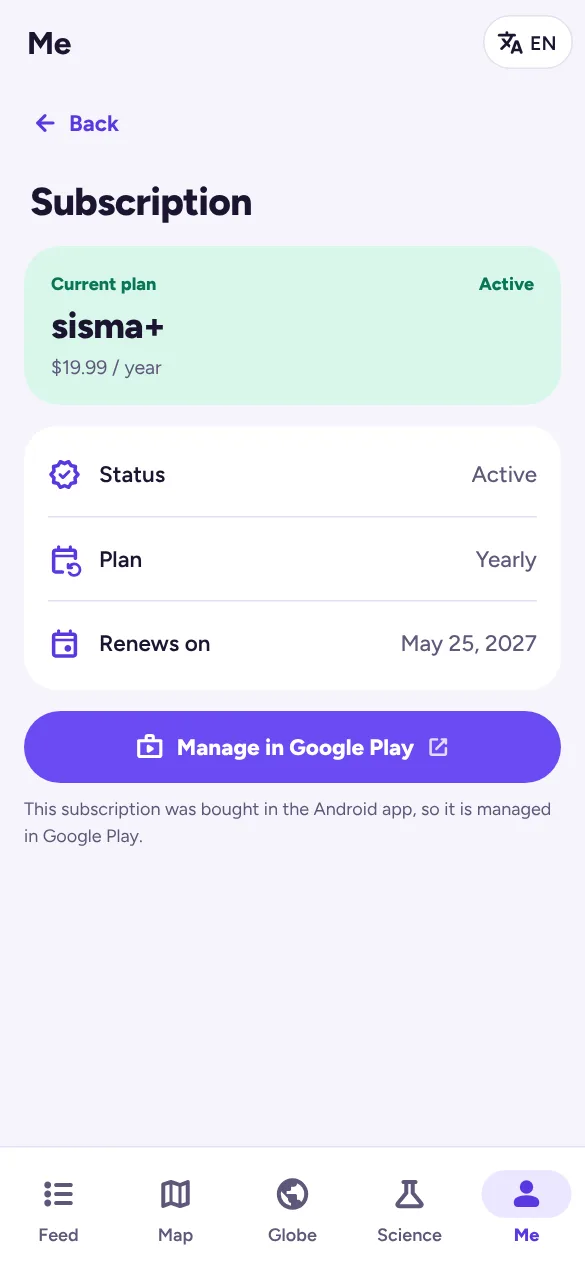
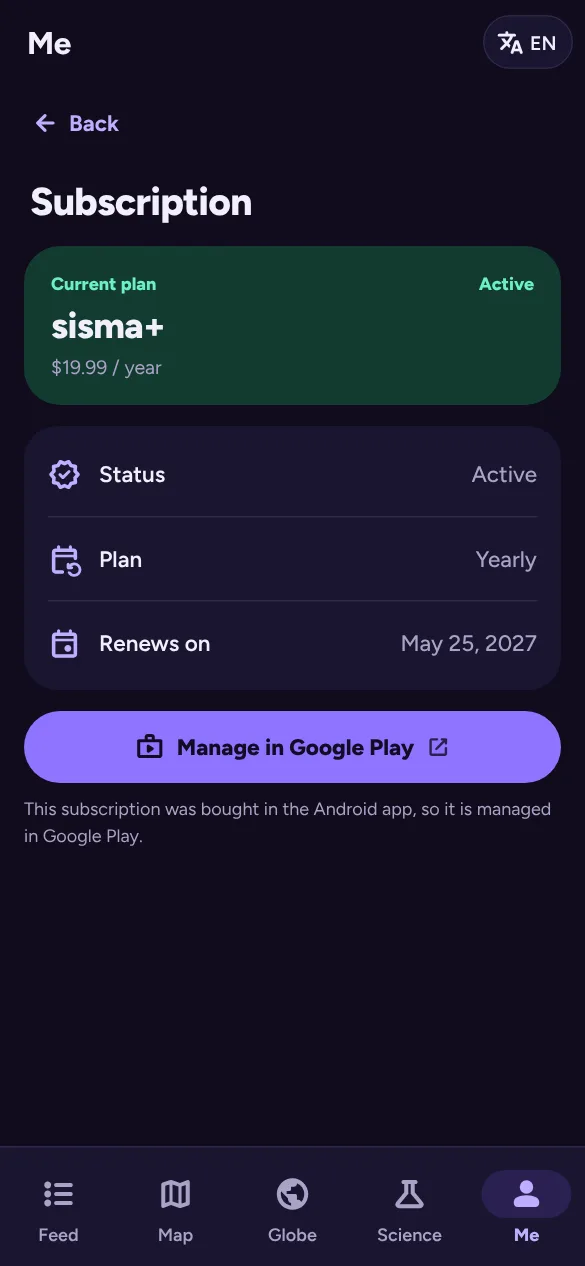
Go to Me → Manage subscription to see your status, plan and next date.
- Bought on the website: Manage billing opens Stripe’s page, where you can switch between monthly and yearly, update your card, see invoices or cancel.
- Bought in the Android app: Manage in Google Play opens your subscription in Google Play.
Cancel sisma+
- Open Me → Manage subscription.
- Tap Manage billing (website) or Manage in Google Play (app), and cancel there. In Google Play you can also go to Payments & subscriptions → Subscriptions.
You keep sisma+ until the end of the period you’ve paid for. The Me card then shows Cancels on and the date, and after that date you’re back on the free plan. Cancelling a free trial before it ends means you aren’t charged.
Uninstalling the app or deleting your sisma account does not cancel a Google Play subscription. Cancel it in Google Play.
Restore a purchase
On a new phone or after reinstalling the app, sign in to the same sisma account. If sisma+ doesn’t appear, open the sisma+ sheet and tap Restore purchase. This is in the Android app only, and finds the Google Play subscription on this device.
Refunds
Google Play purchases follow Google Play’s refund policies, so request a refund through Google Play. For website purchases, write to support@sisma.io. Our terms of service explain the details.