Help & supportEarthquake details
Earthquake details
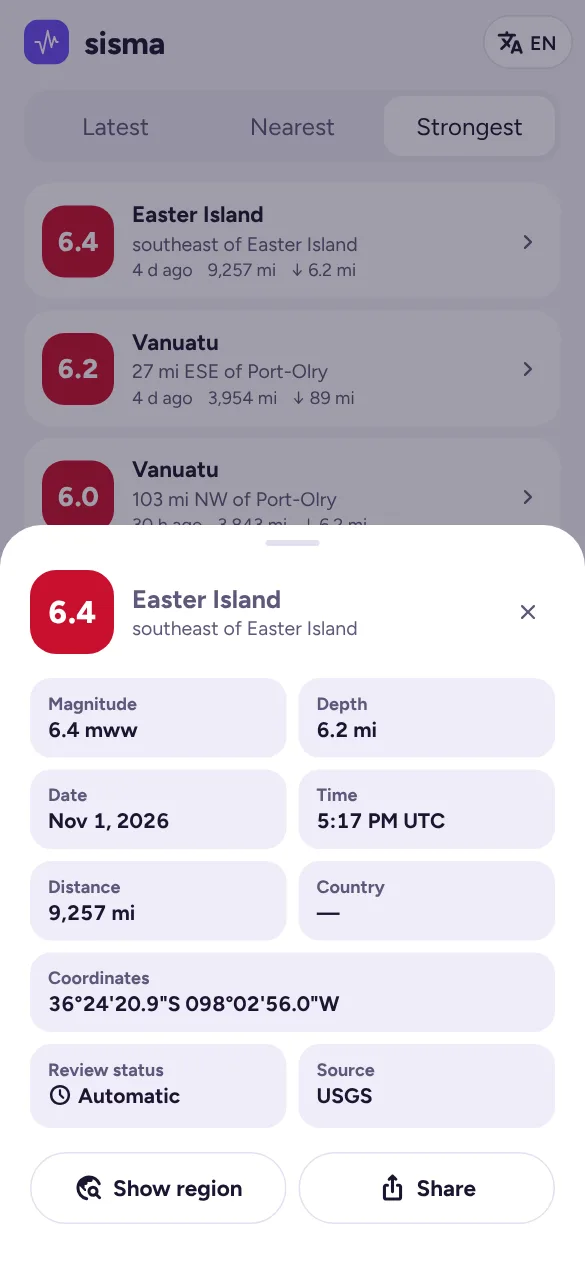
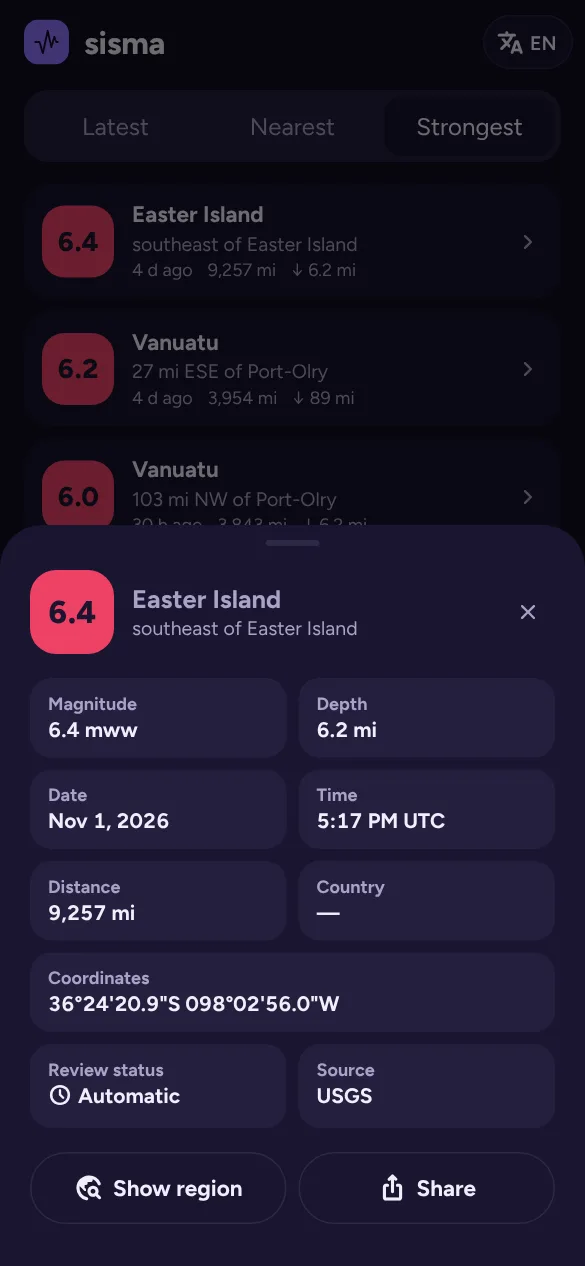
Tap any earthquake to open its details:
- Magnitude and its type (for example mww, the moment magnitude used for larger quakes).
- Depth: how far below the surface it started. Shallow earthquakes are usually felt more strongly.
- Date and time in your device’s time zone.
- Distance from you, and the country (or “near” a country for offshore events).
- Coordinates of the epicentre.
- Review status: Automatic values come straight from instruments and often change in the first hour; Reviewed means a seismologist has checked them.
- Source: which agency’s figures are shown.
Below the details:
- Show region opens a close-up map around the earthquake with nearby events and, where available, the felt map.
- Share opens the share card (see Sharing).
- If people reported feeling it, you’ll see how many.
A Tsunami alert issued banner appears when the agency flags possible tsunami activity. Follow official tsunami warnings in your area.