Help & support3D globe
3D globe
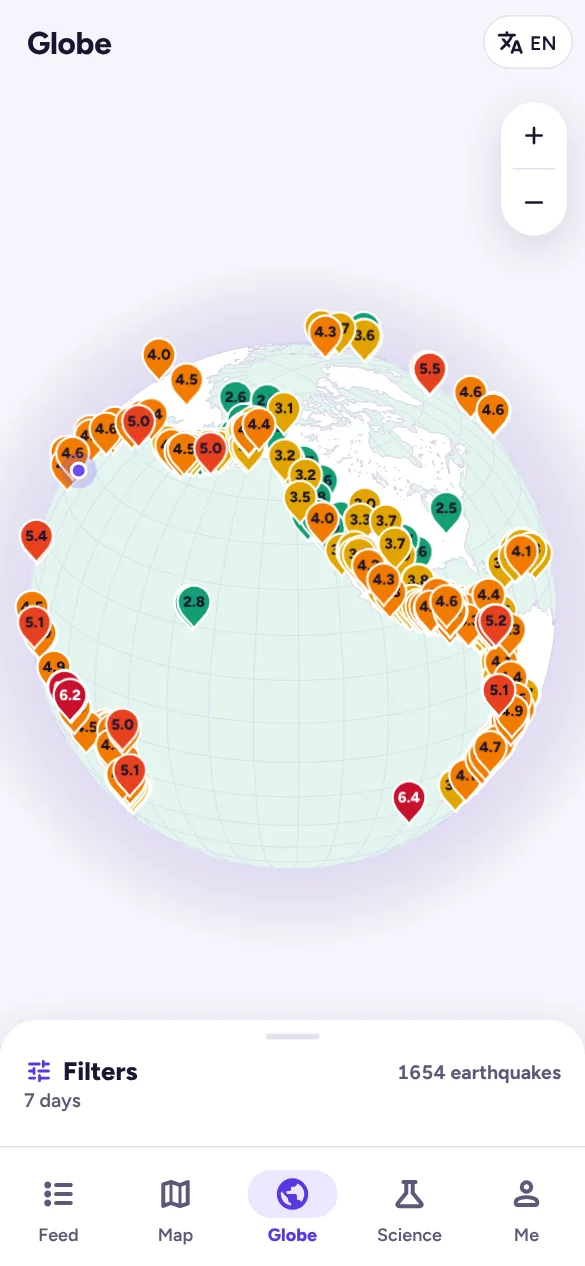
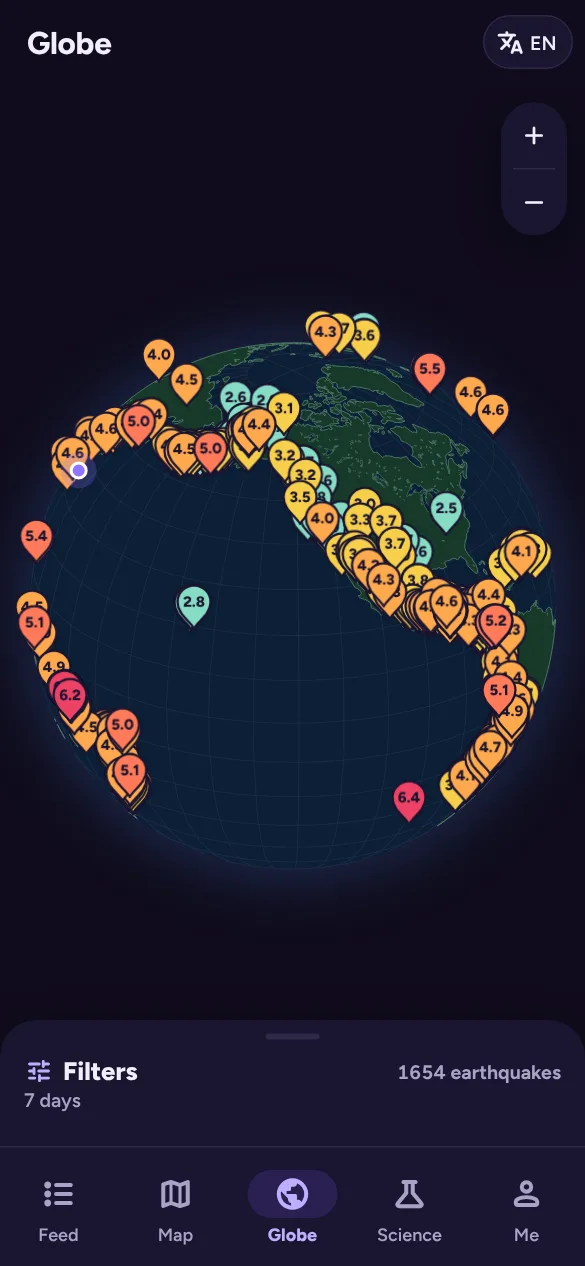
The Globe tab shows the same earthquakes on a 3D Earth. Drag to turn it and pinch or scroll to zoom. Tap a pin for its summary.
In the Filters panel’s layers:
- Depth colours each earthquake by depth and draws a line down to where it started, so you can see deep earthquakes under subduction zones.
- Plates shows plate boundaries.
- Spin turns the globe slowly on its own.