Help & supportSettings
Settings
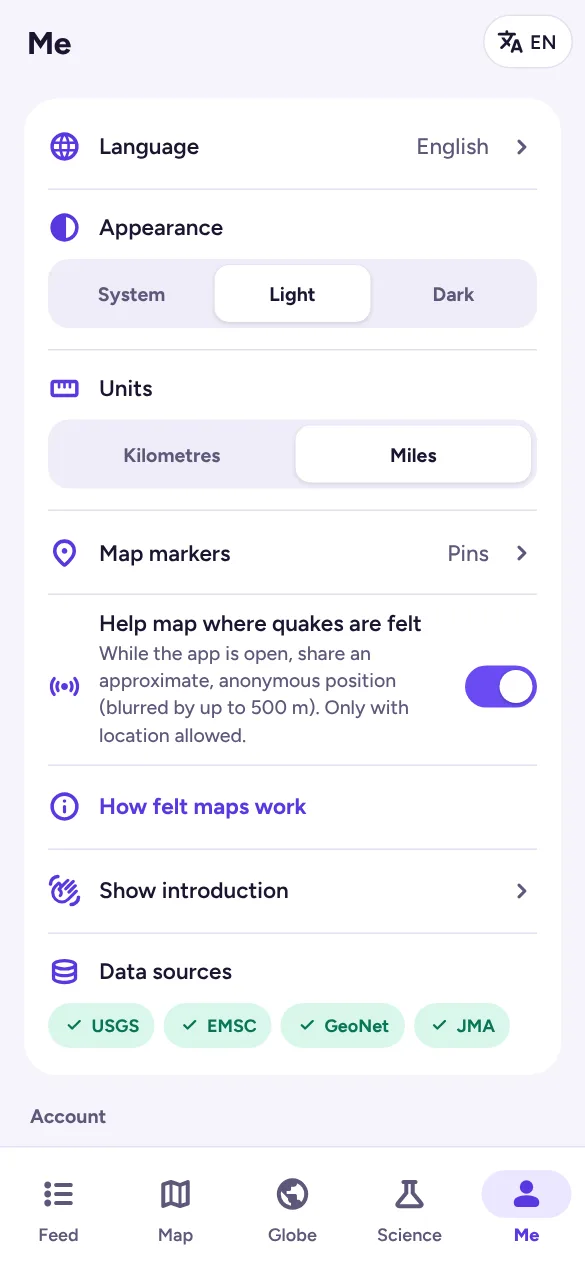
Find these in Me, below your locations:
- Language: English, Español, 日本語, Bahasa Indonesia, Türkçe, Italiano, Português, 中文, Français or Deutsch. You can also tap the language button at the top of any tab.
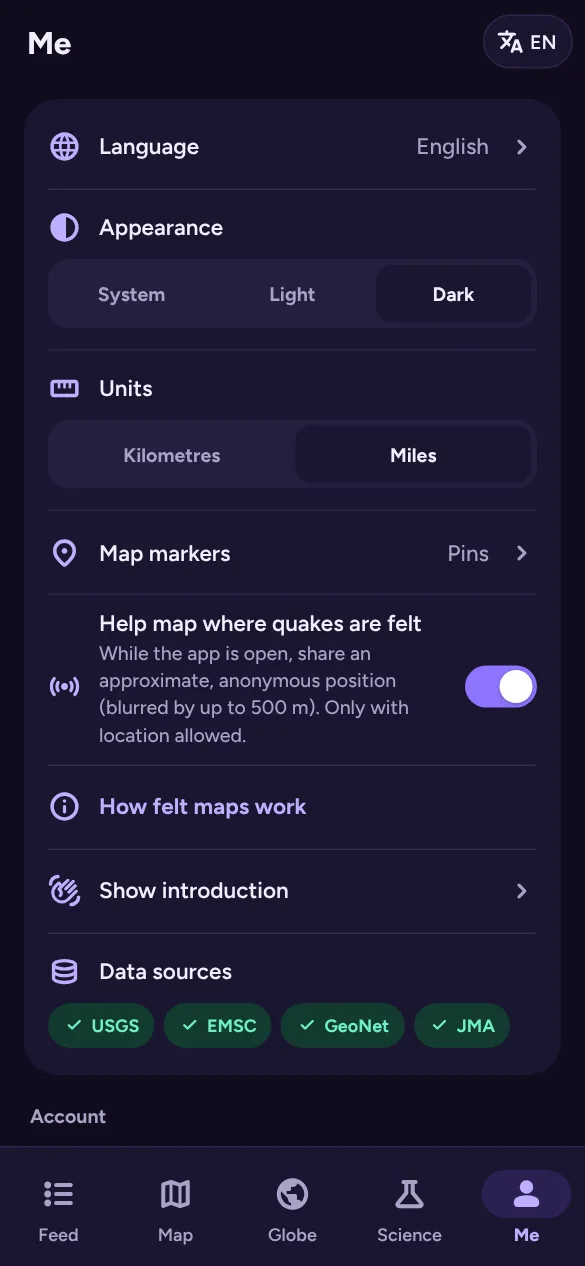
- Appearance: follow your device (System), Light or Dark.
- Units: kilometres or miles.
- Map markers: pins with the magnitude written inside, or circles sized by magnitude. This is also where you’ll find the colour legend.
- Help map where quakes are felt: turns the anonymous felt-map sharing on or off (see I felt it).
- Show introduction replays the welcome steps.
When you’re signed in, your language and appearance are saved to your account.