Help & supportSaved locations
Saved locations
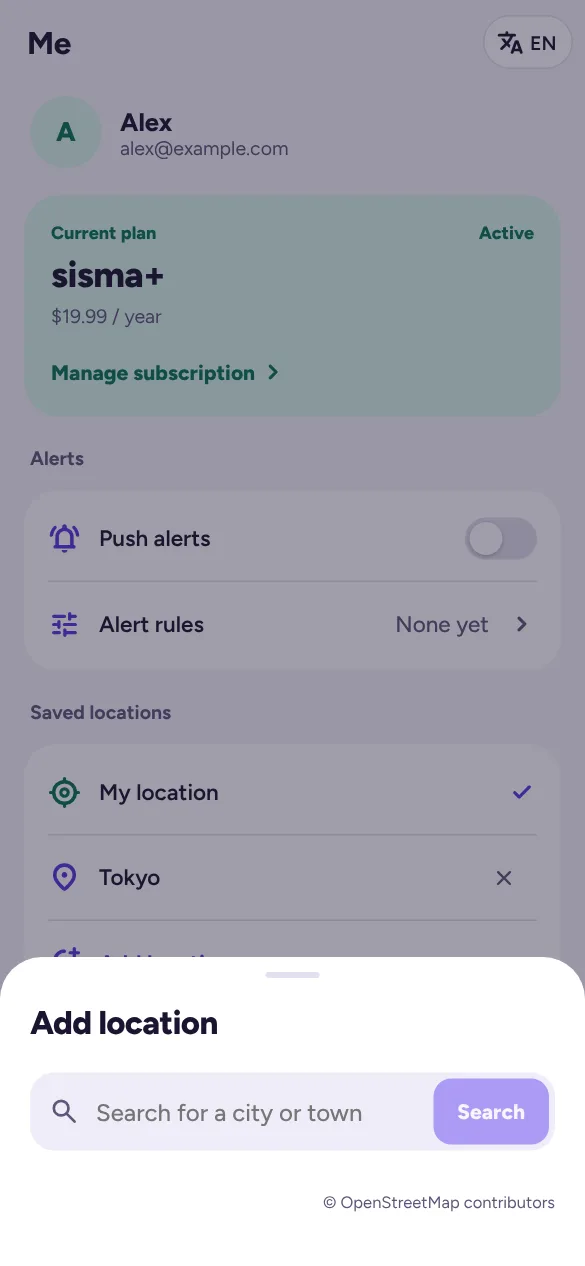
Saved locations decide which earthquakes are “nearest” and which places your alerts watch.
- My location uses your device’s position (your browser or phone asks for permission first).
- Add location lets you search for a city or town and save it.
- Tap a location to make it the one used for distances. Tap × to remove it.
- When My location is chosen, sisma uses your position whenever your device can give it. If it can’t (location turned off or not allowed), or you chose a saved place, sisma uses that saved place: your default place, or the first one you saved.
The free plan has 1 saved location, and sisma+ has up to 10. Without an account, locations are kept on this device and move into your account when you sign in.